 01
01
Curated galleries
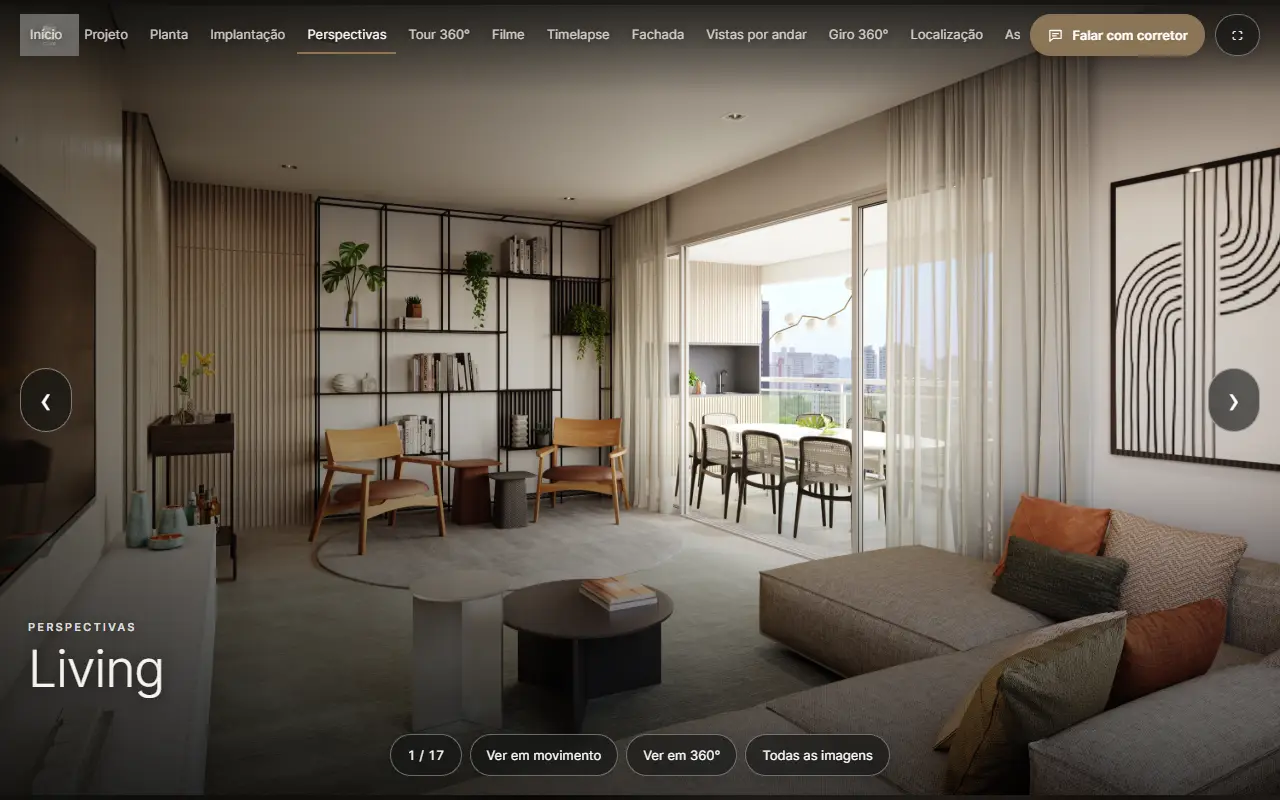
Move through renders, then see each room in motion or in 360°.
Immersive presentation platform
Use the images, floorplans, panoramas and films your studio has already produced. No coding, and no platform to build. The groundwork is ready and proven; you assemble each development on demand and sell it at the price you set for your client.
Your client. Your offer. Your pricing. Choose modules for each development, with monthly or annual subscriptions.
How it works
Your studio already produces the images that sell a launch. imerse.app turns them into an interactive presentation that you offer to your client as one more service, at your price.
Renders, 360° panoramas, floorplans, facades, timelapses and films: the same media your studio delivers today.
Put the presentation together with a live preview, in the developer’s logo, colours and layout, without any code.
Each development goes live at its own link. Your client uses it at the sales stand, on the website and in the brokers’ WhatsApp.
You set the price for your client. Leads reach the sales team, and every new image, tour or film you sell goes into the presentation.
The experience
01
Move through renders, then see each room in motion or in 360°.
 02
02
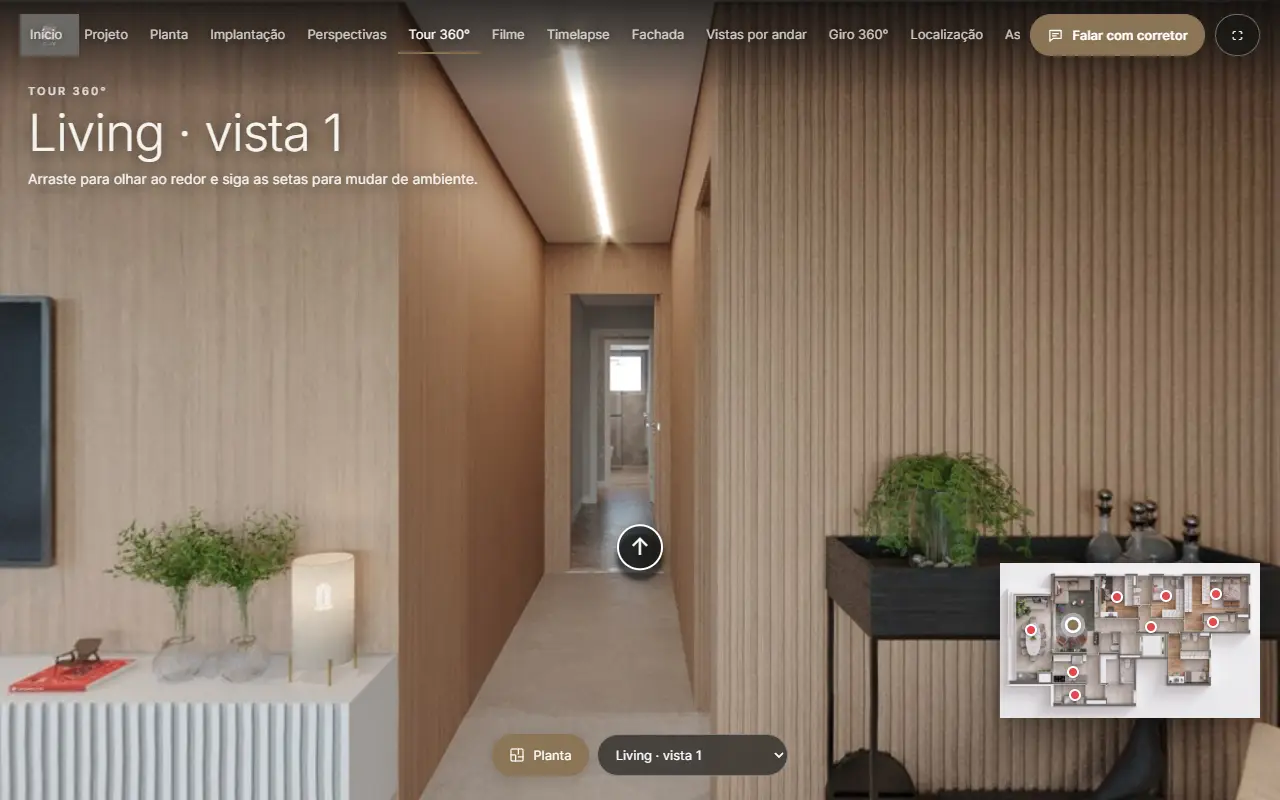
Walk between panoramas with the floorplan in the corner and a radar of where you look. The tour arrows appear in every 360° view, wherever it was opened from.
 03
03
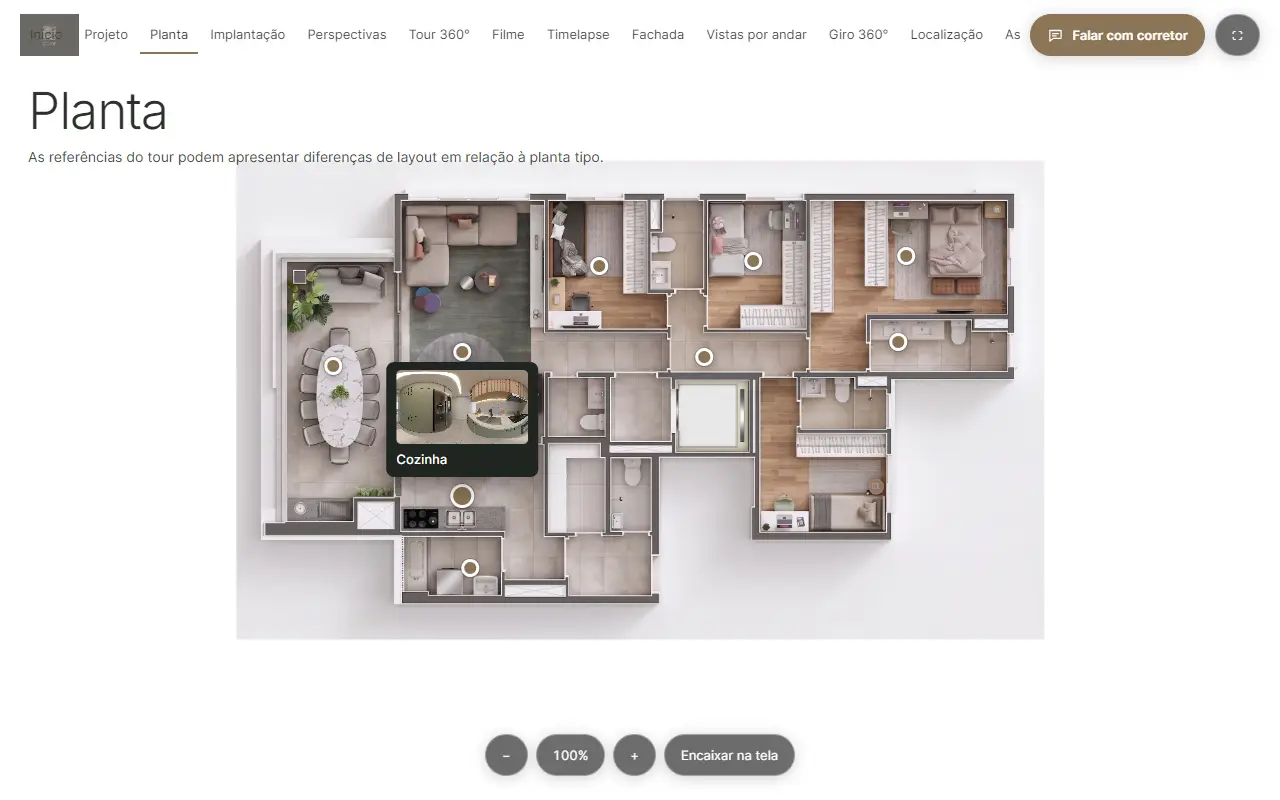
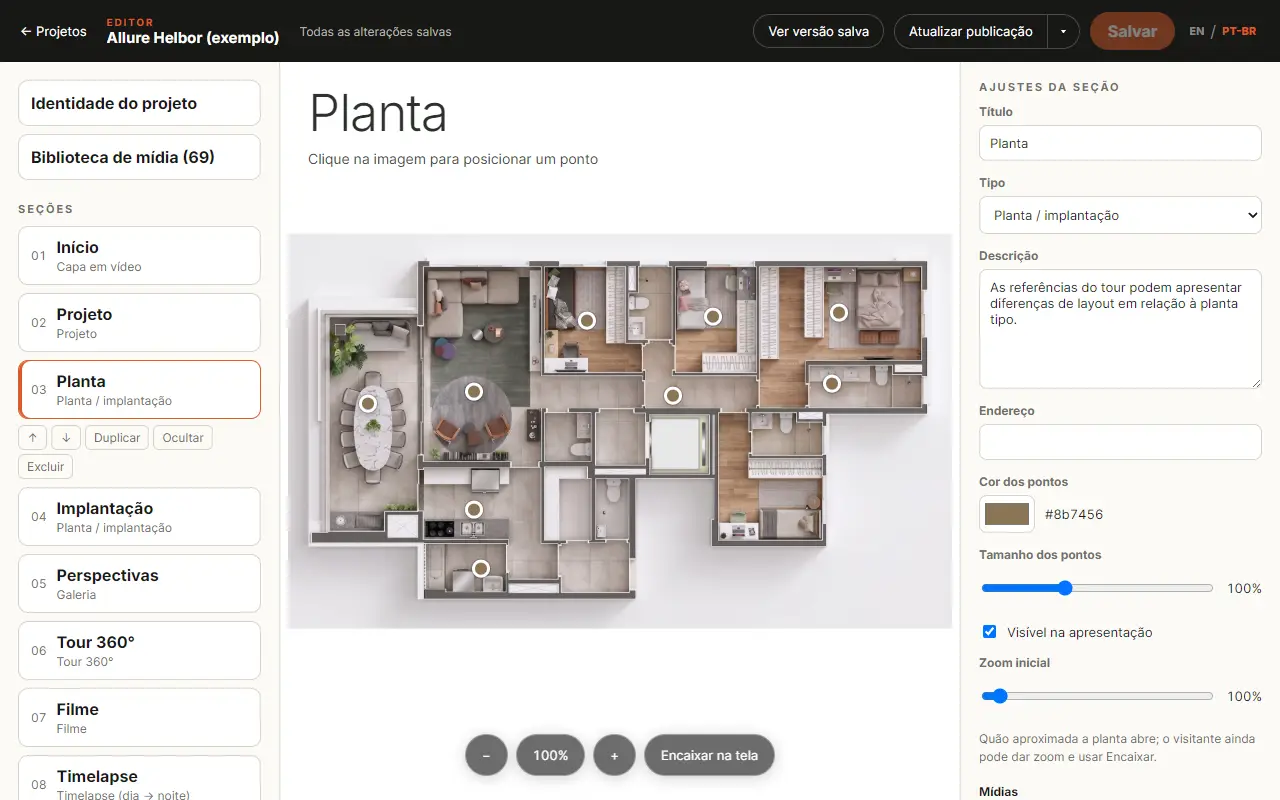
Points in your colour open the photos, films and 360° views of each room, with the zoom you choose.
 04
04
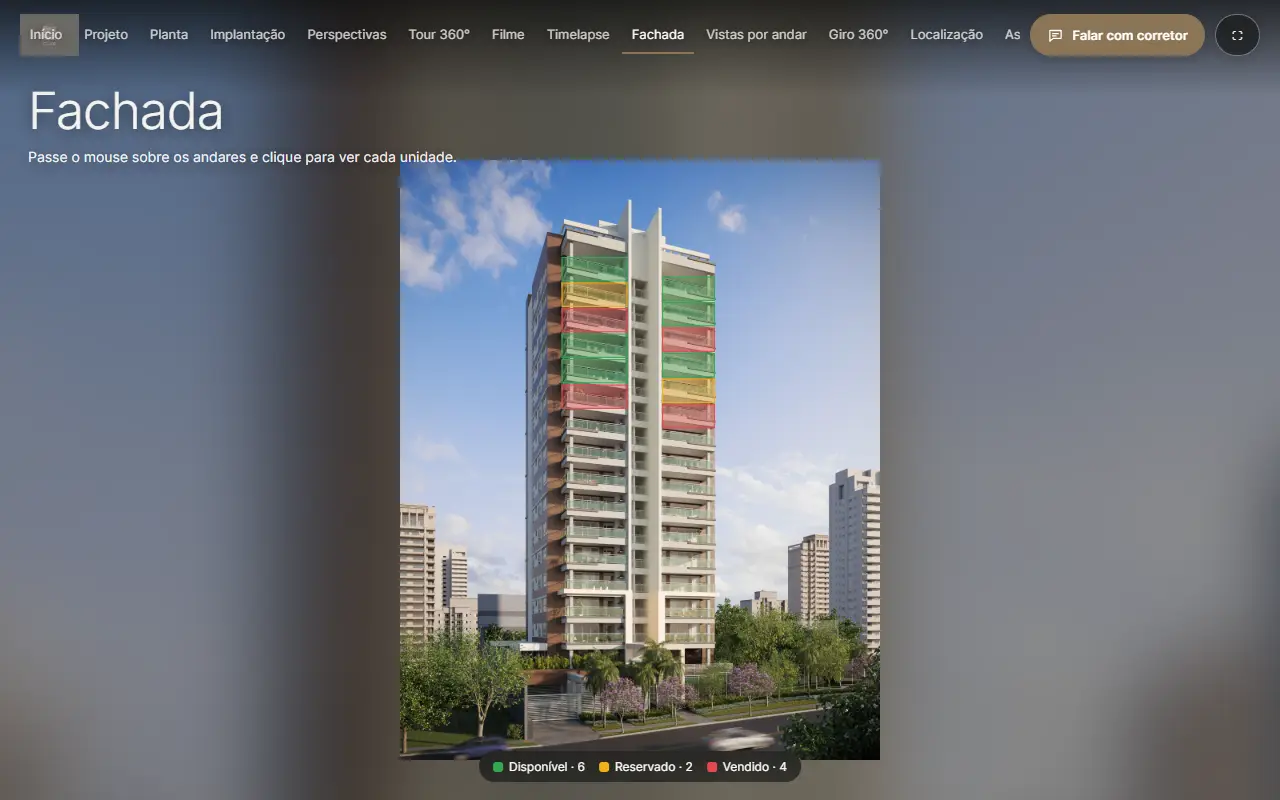
Available, reserved and sold on the facade itself, with each unit’s details, floorplan and view.
 05
05
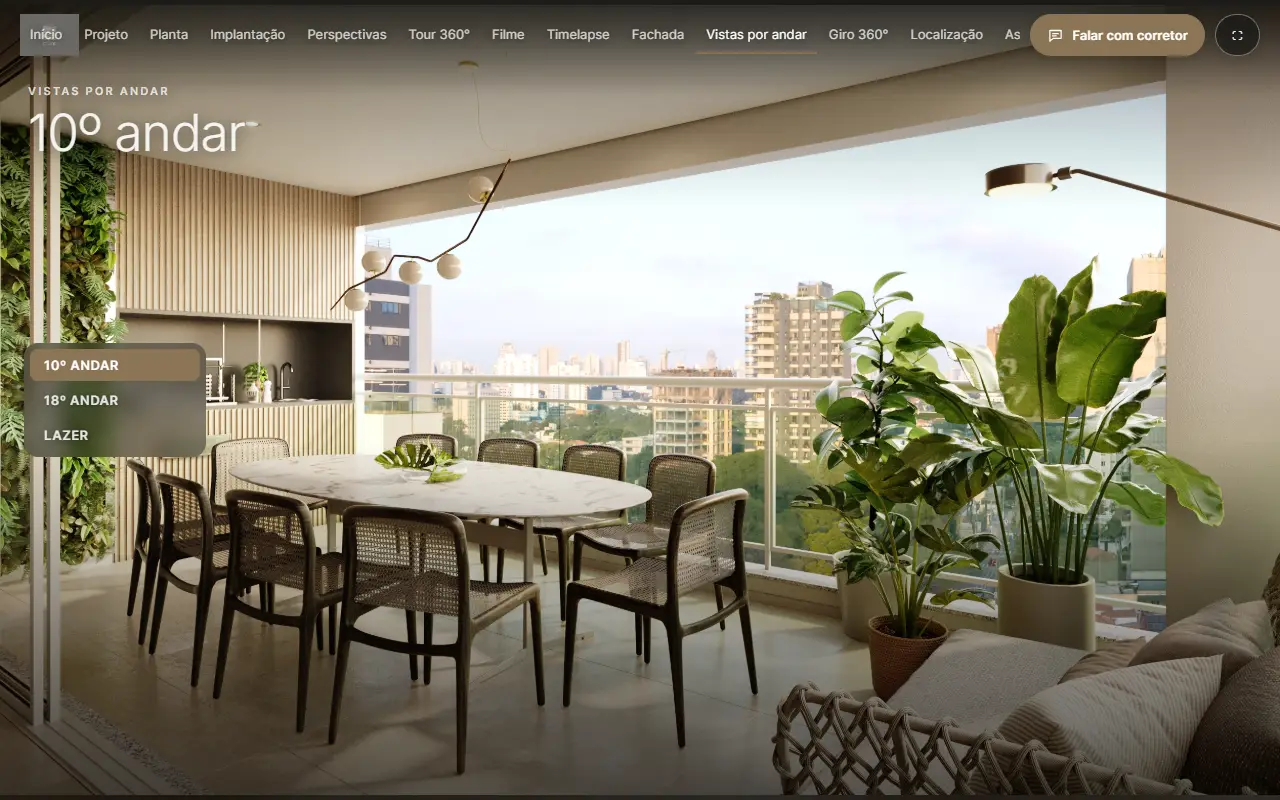
The view from every floor, picked from a simple list.
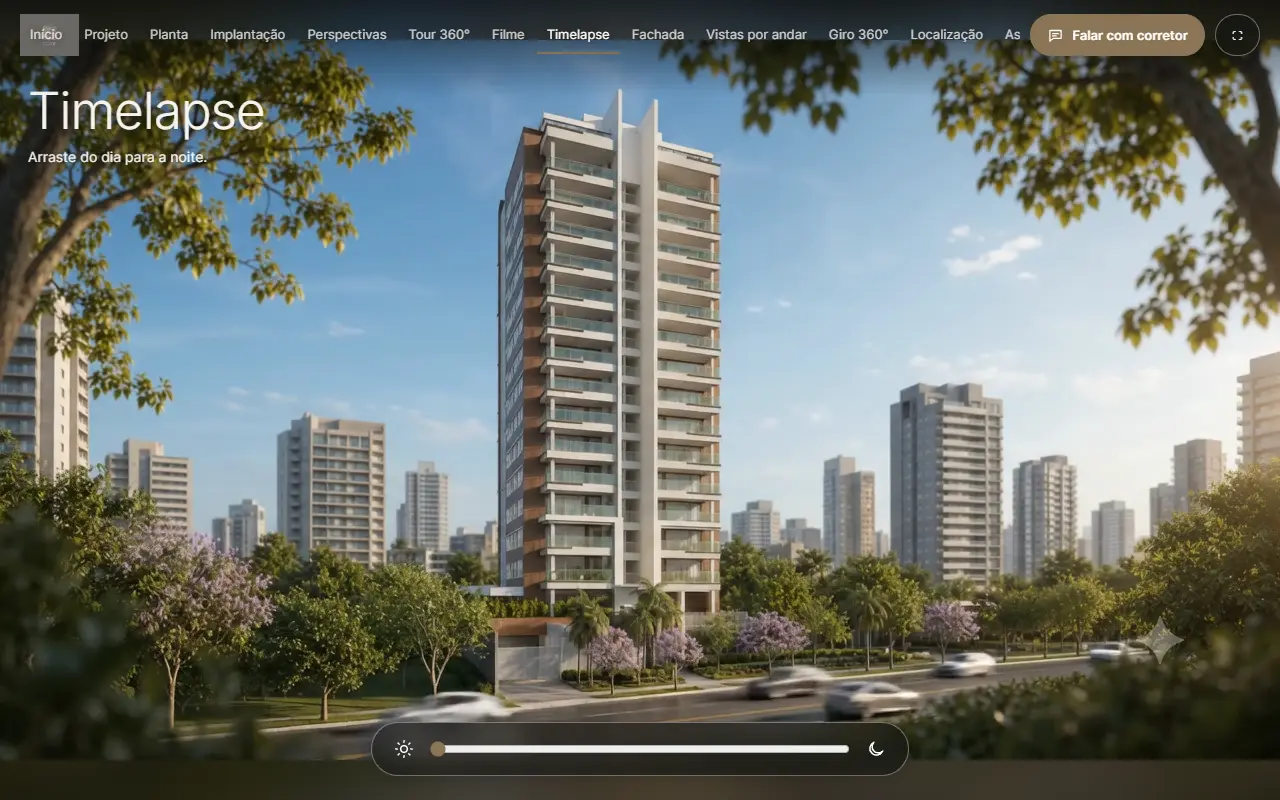
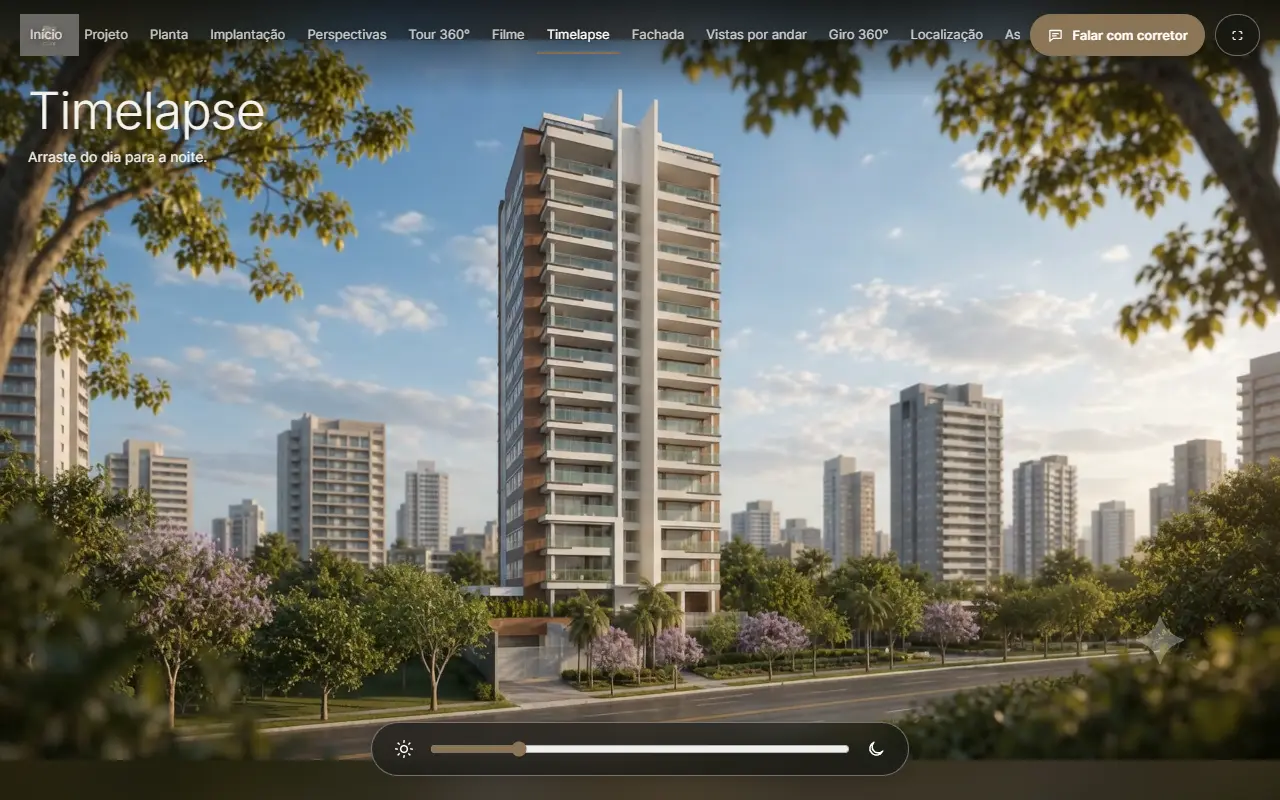
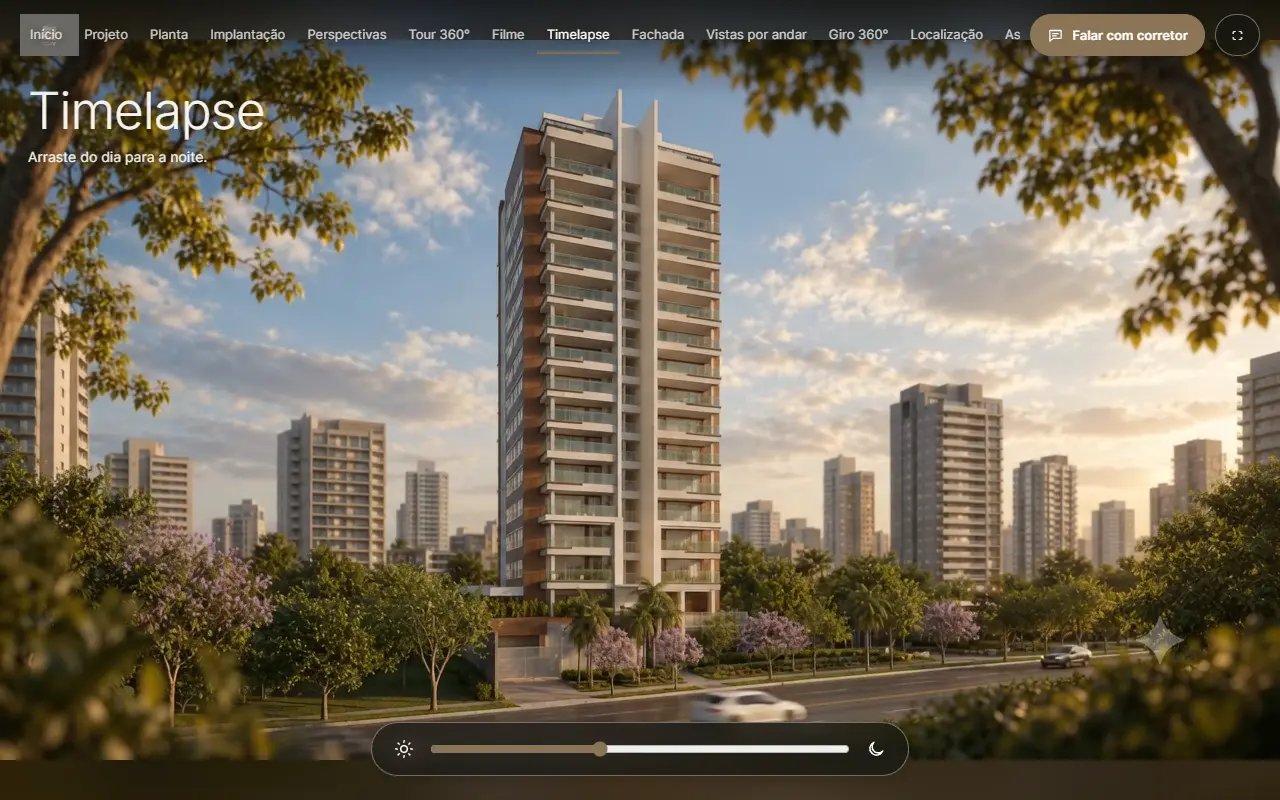
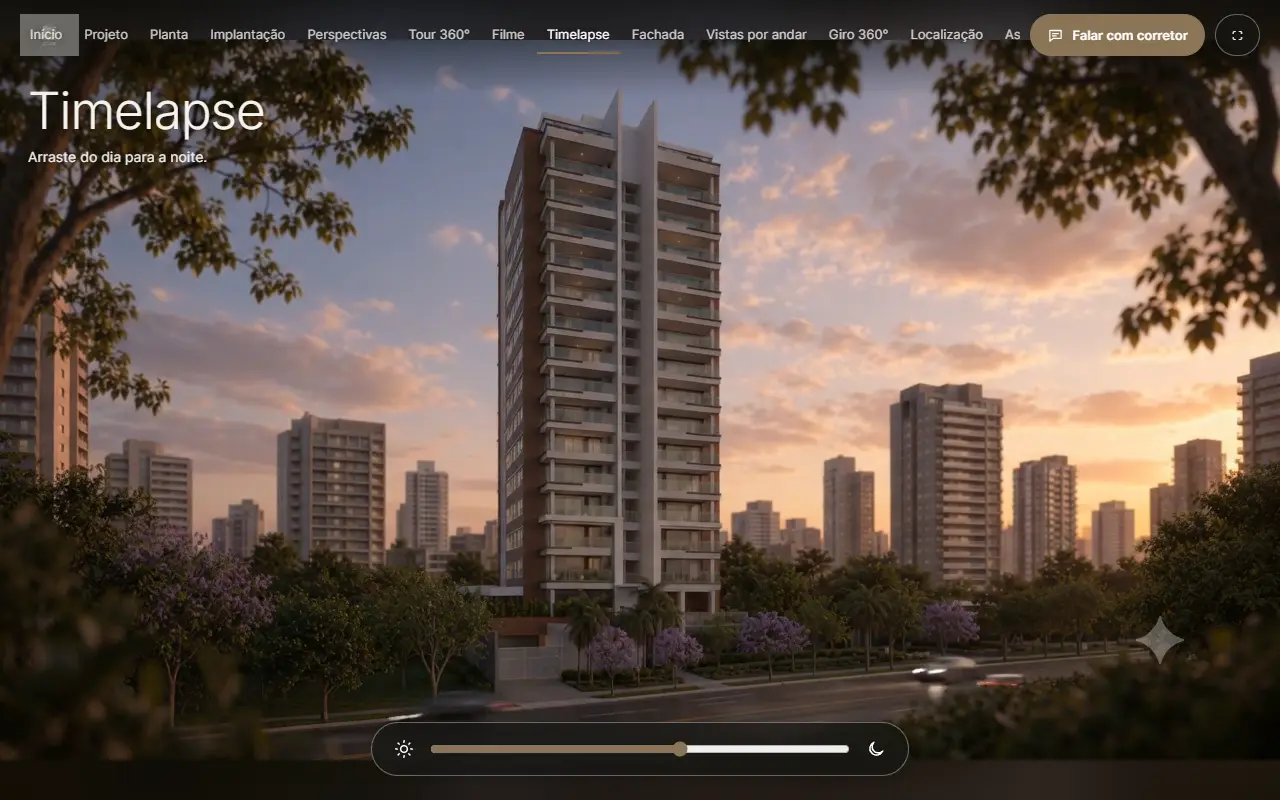
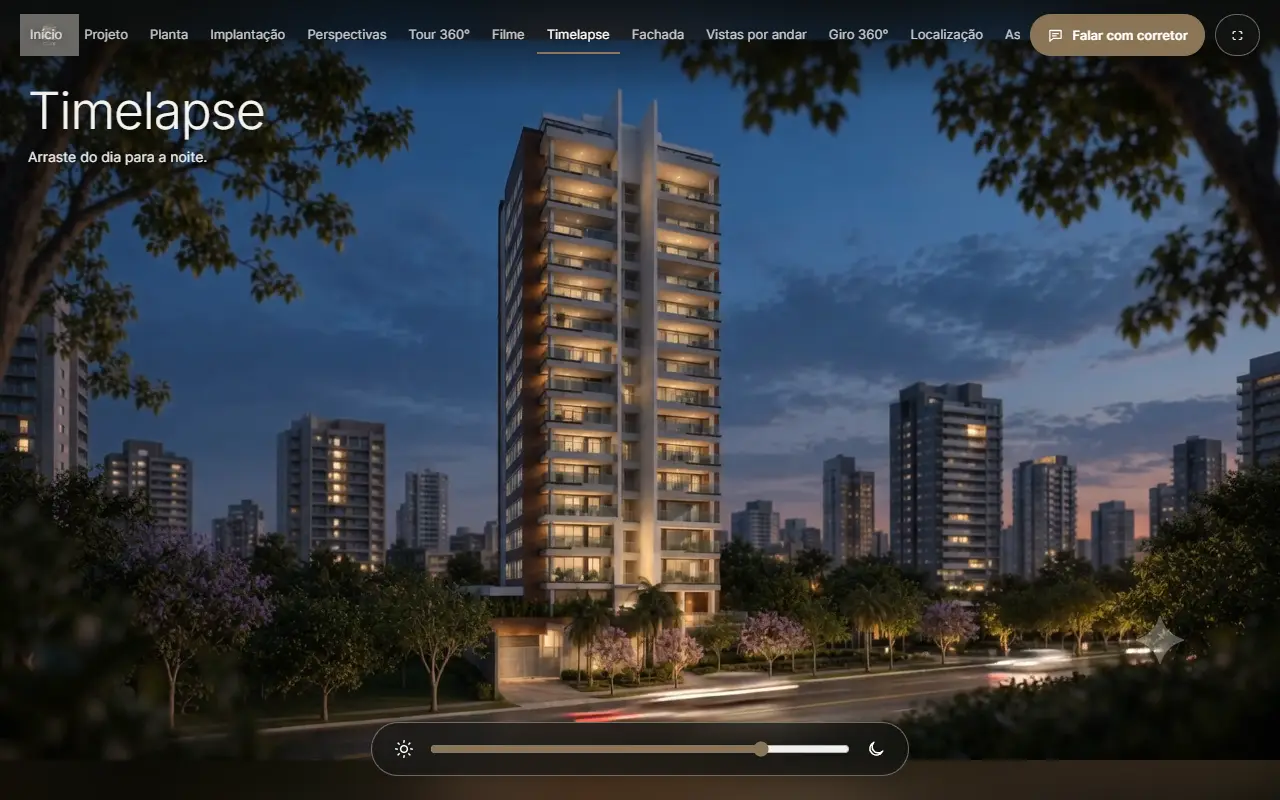
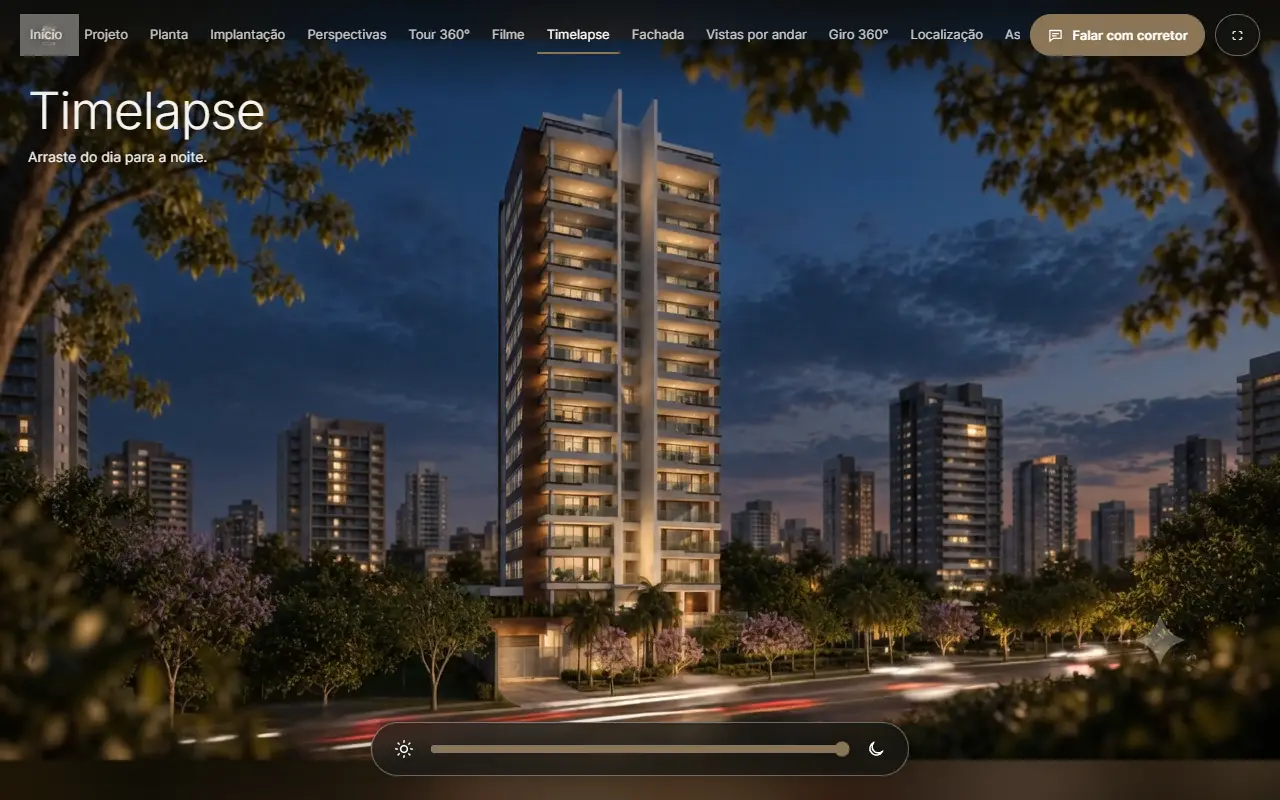
A slider takes the same view from daylight to evening.
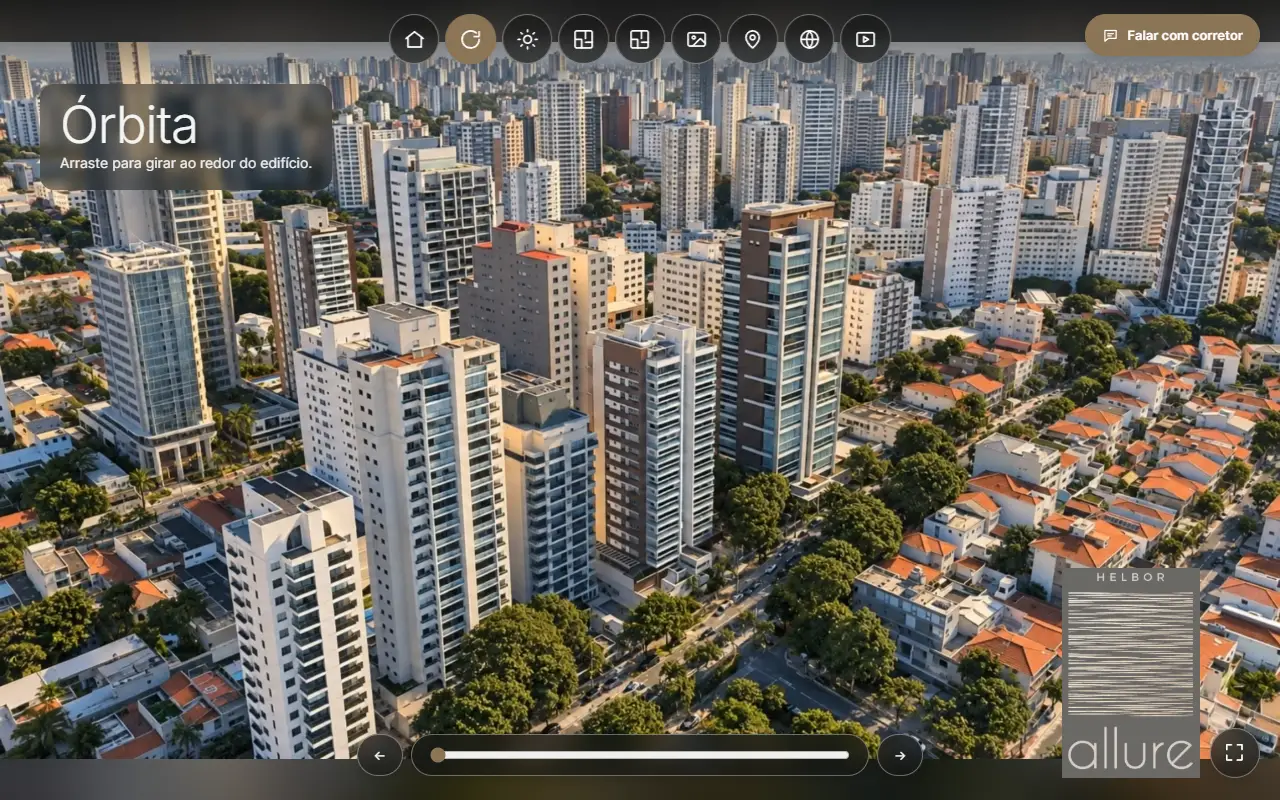
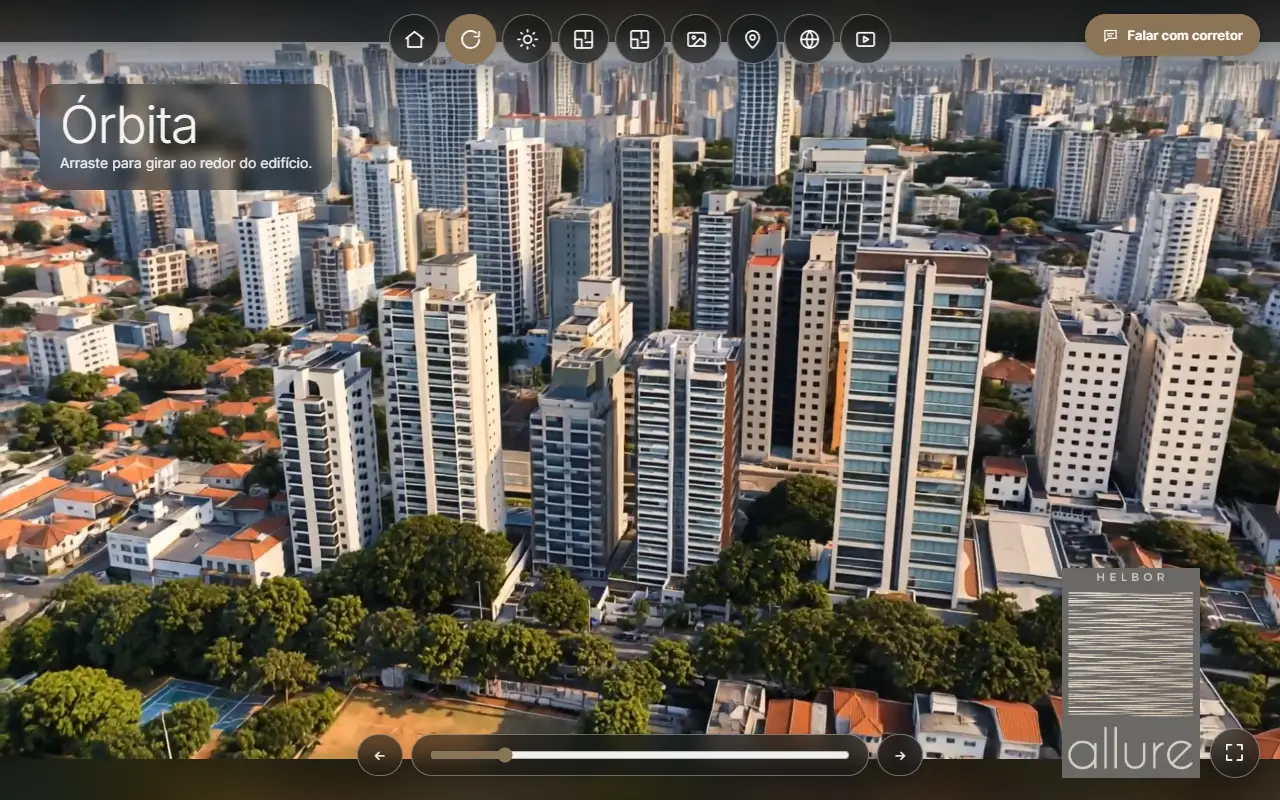
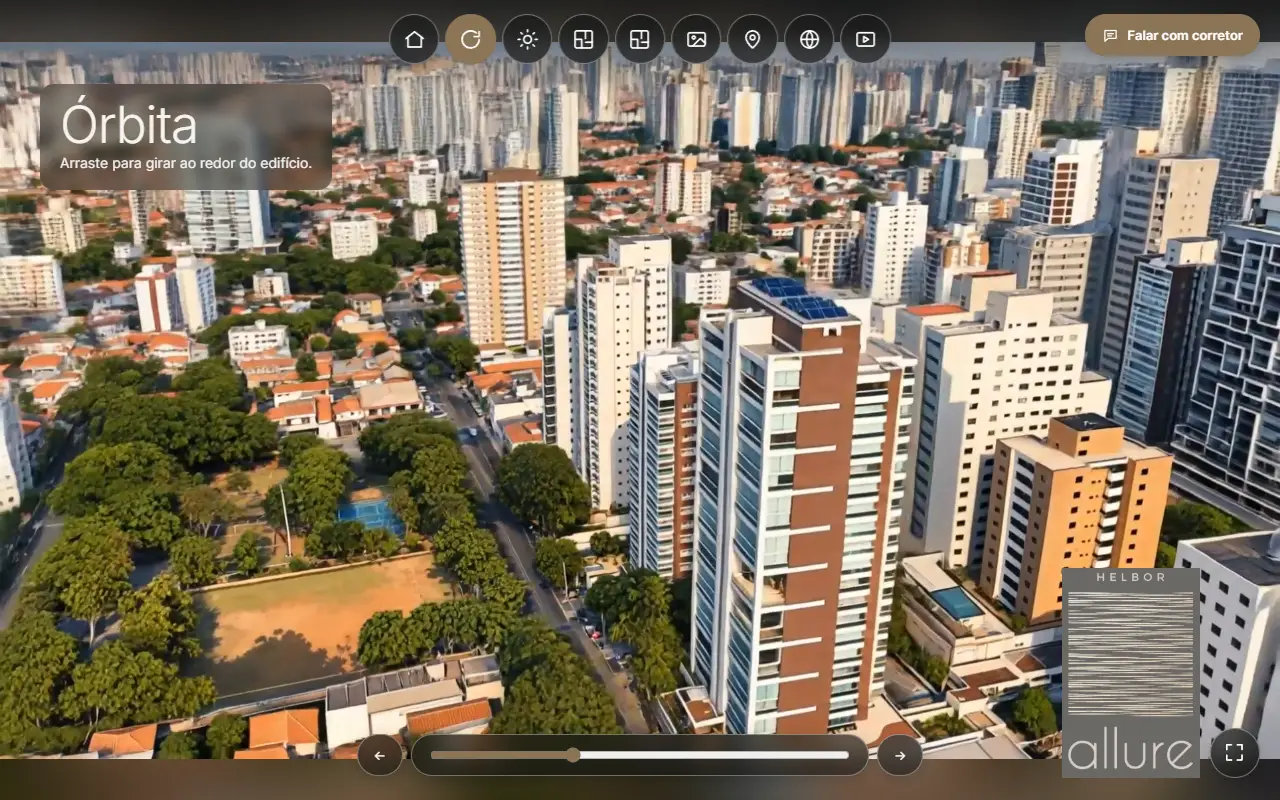
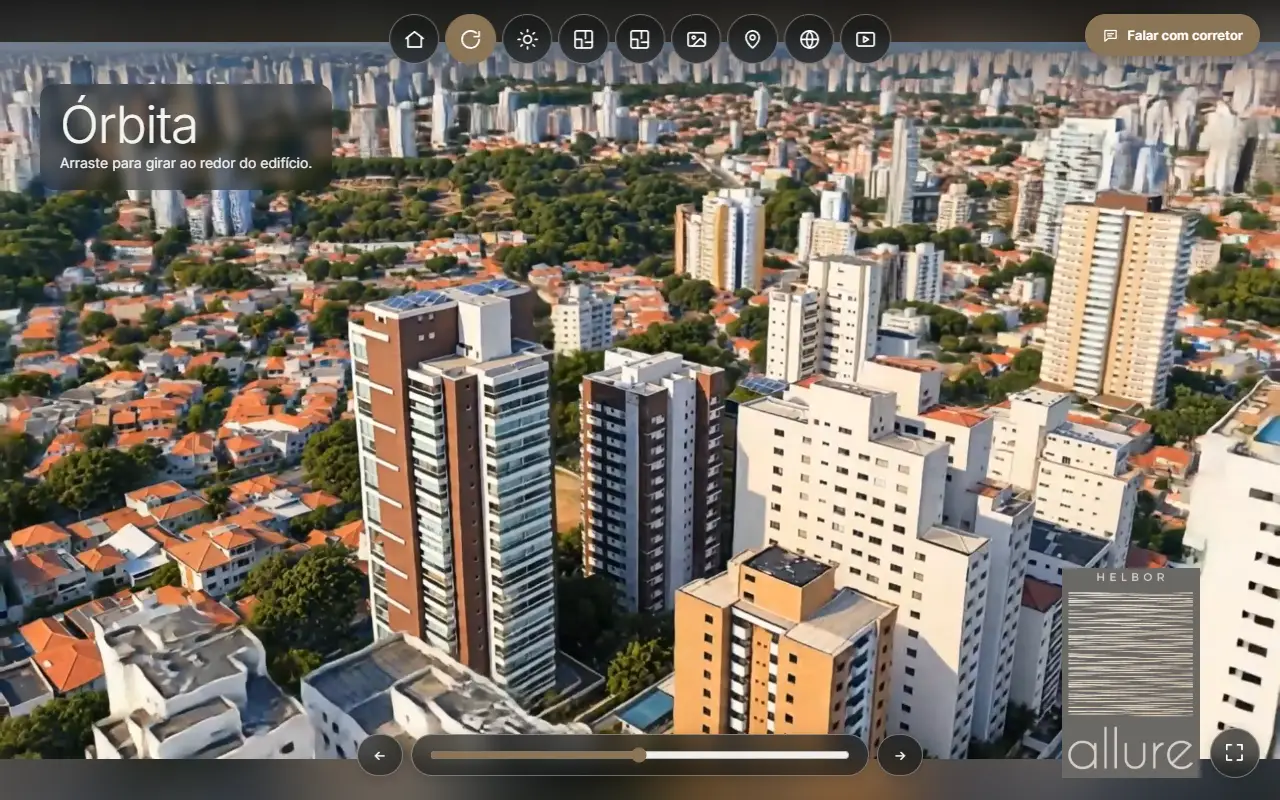
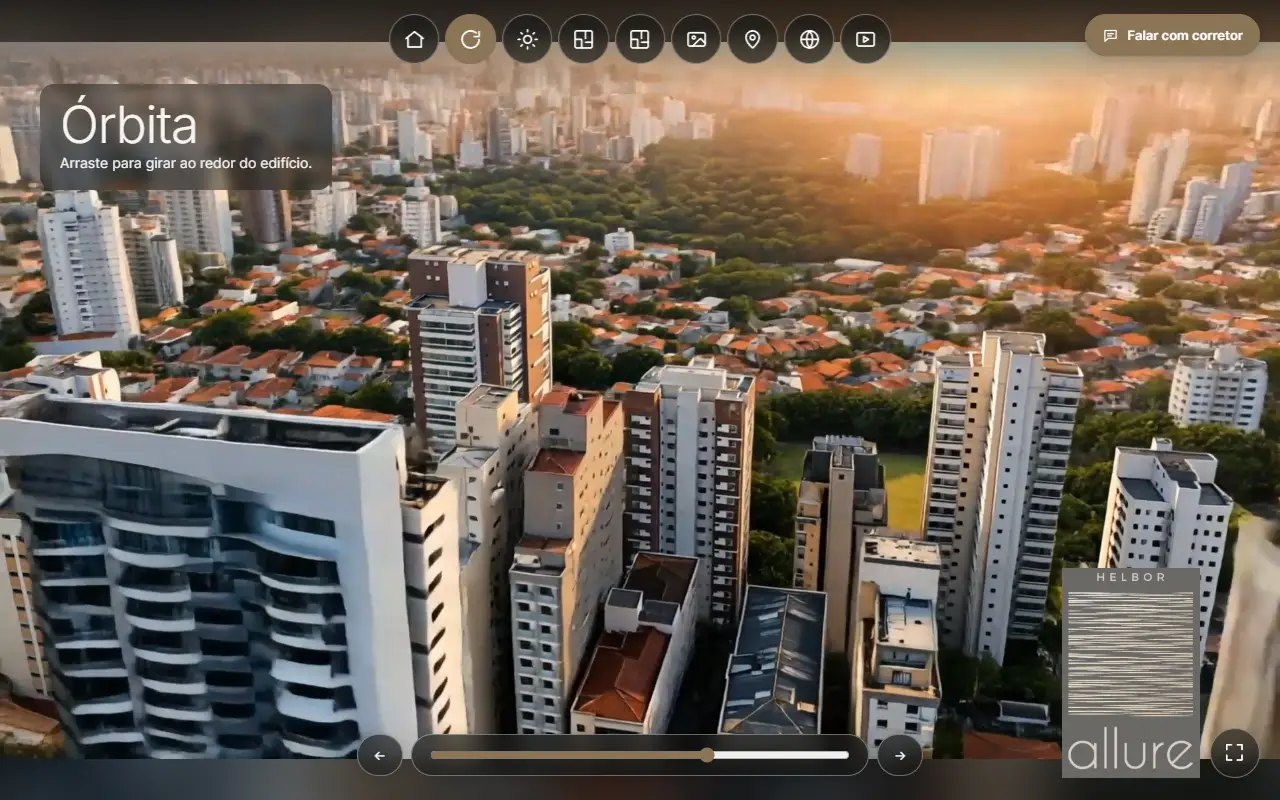
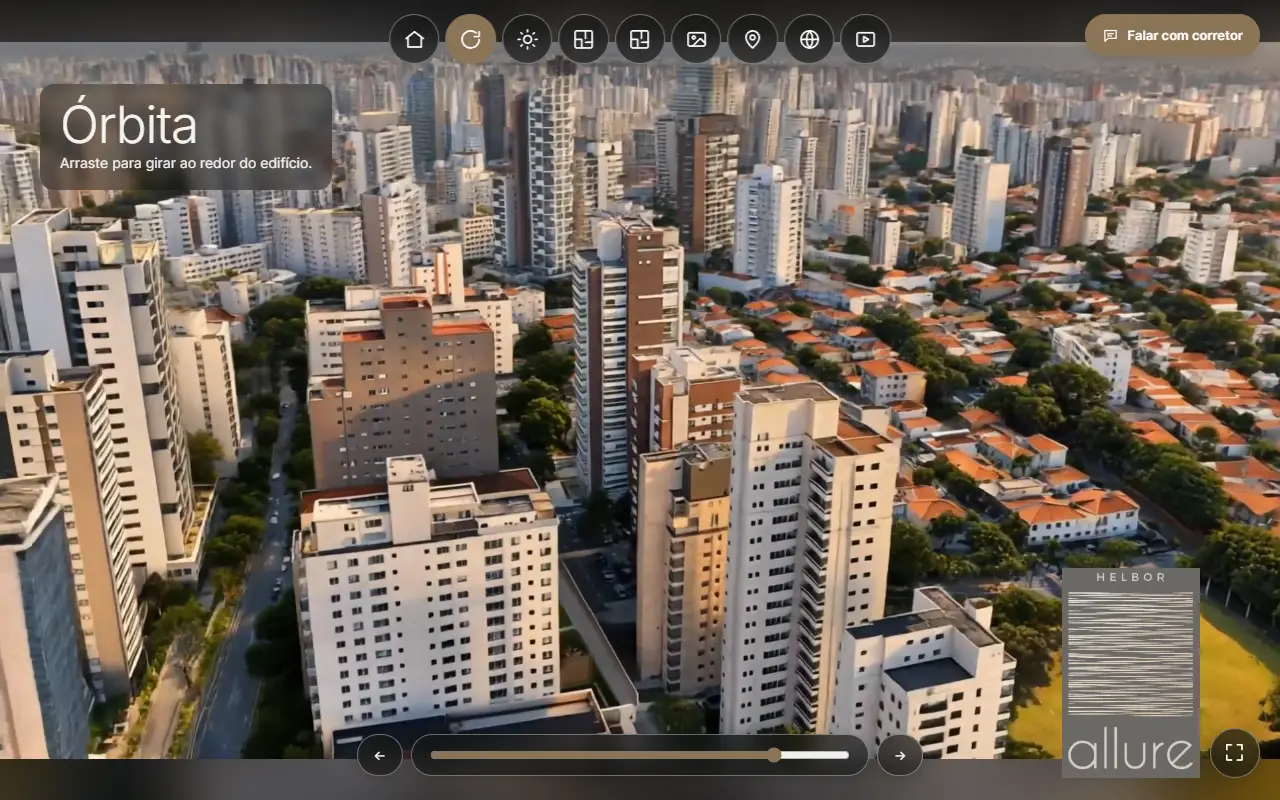
Drag to turn around the development, frame by frame.
 08
08
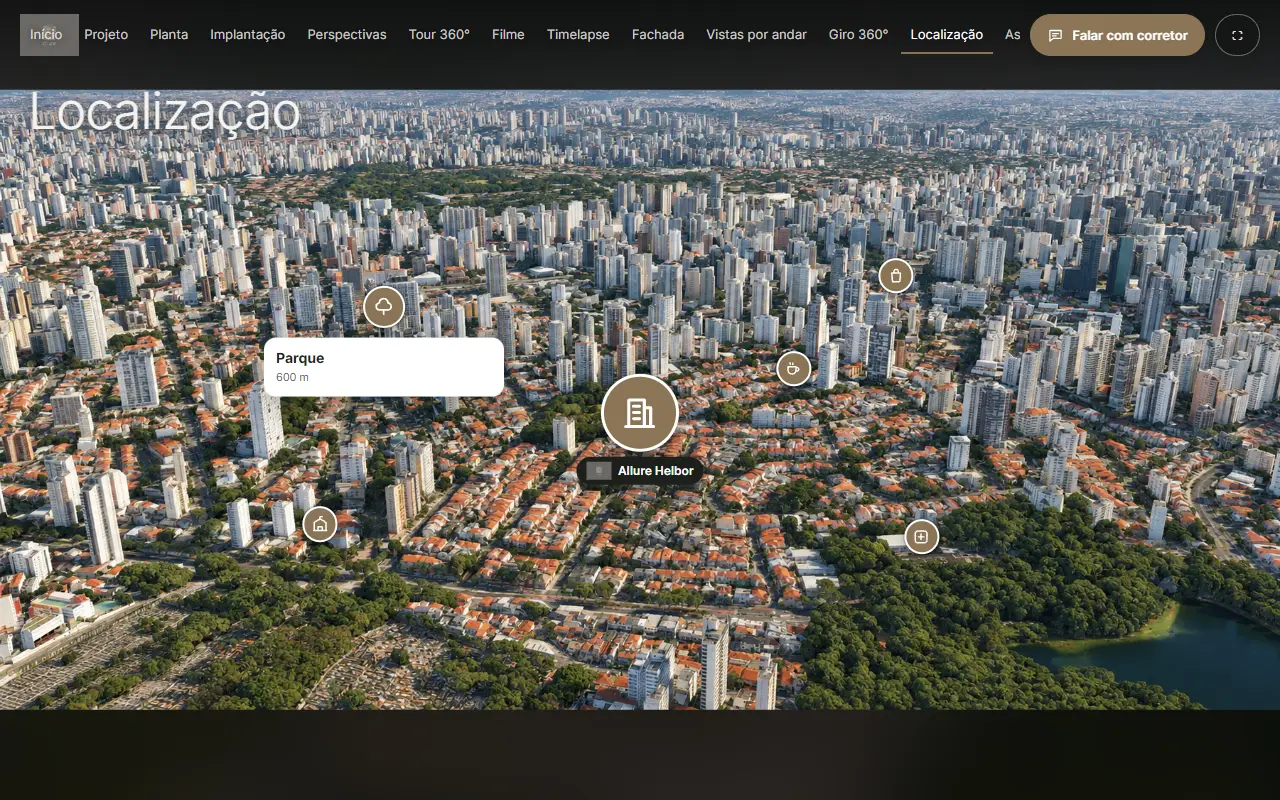
A map with a pin for the development and icons for schools, parks, hospitals and more, each with photo, distance, description and link.
 09
09
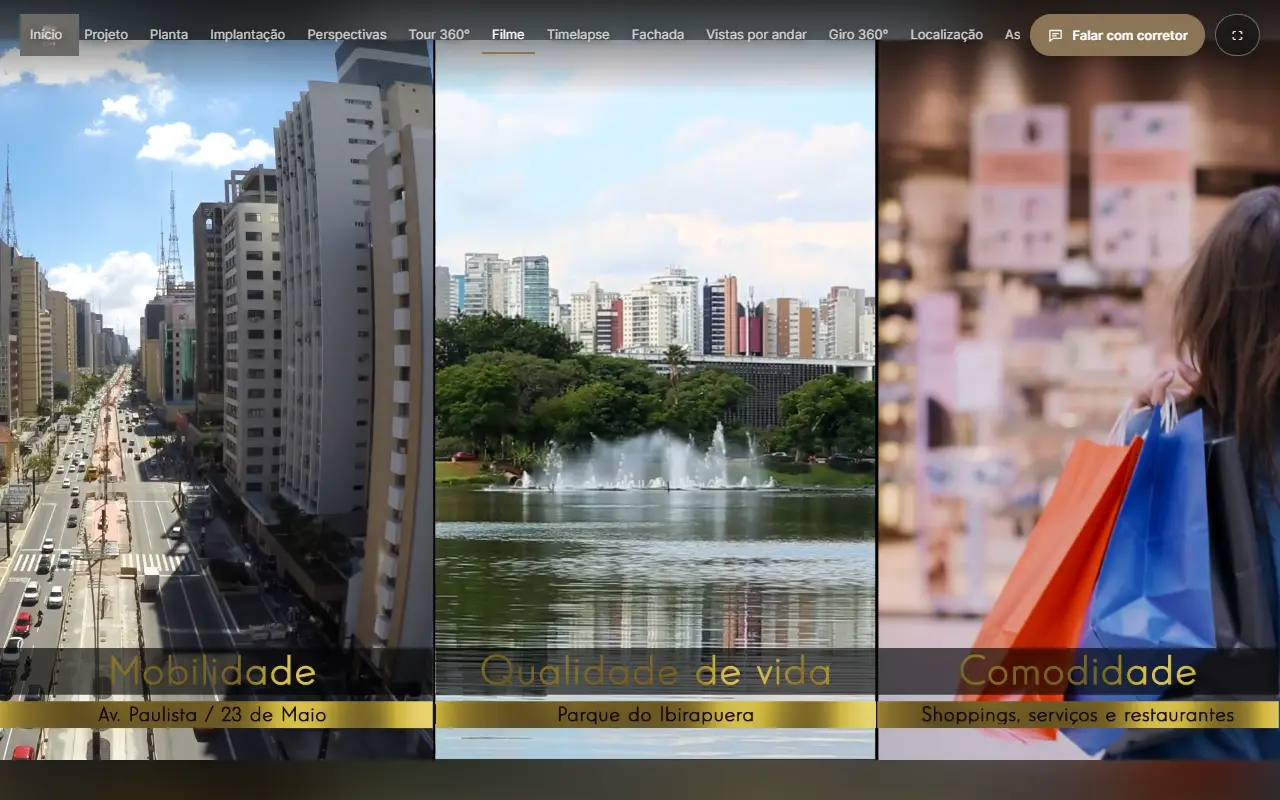
Bring motion and sound into the same presentation flow.
 10
10
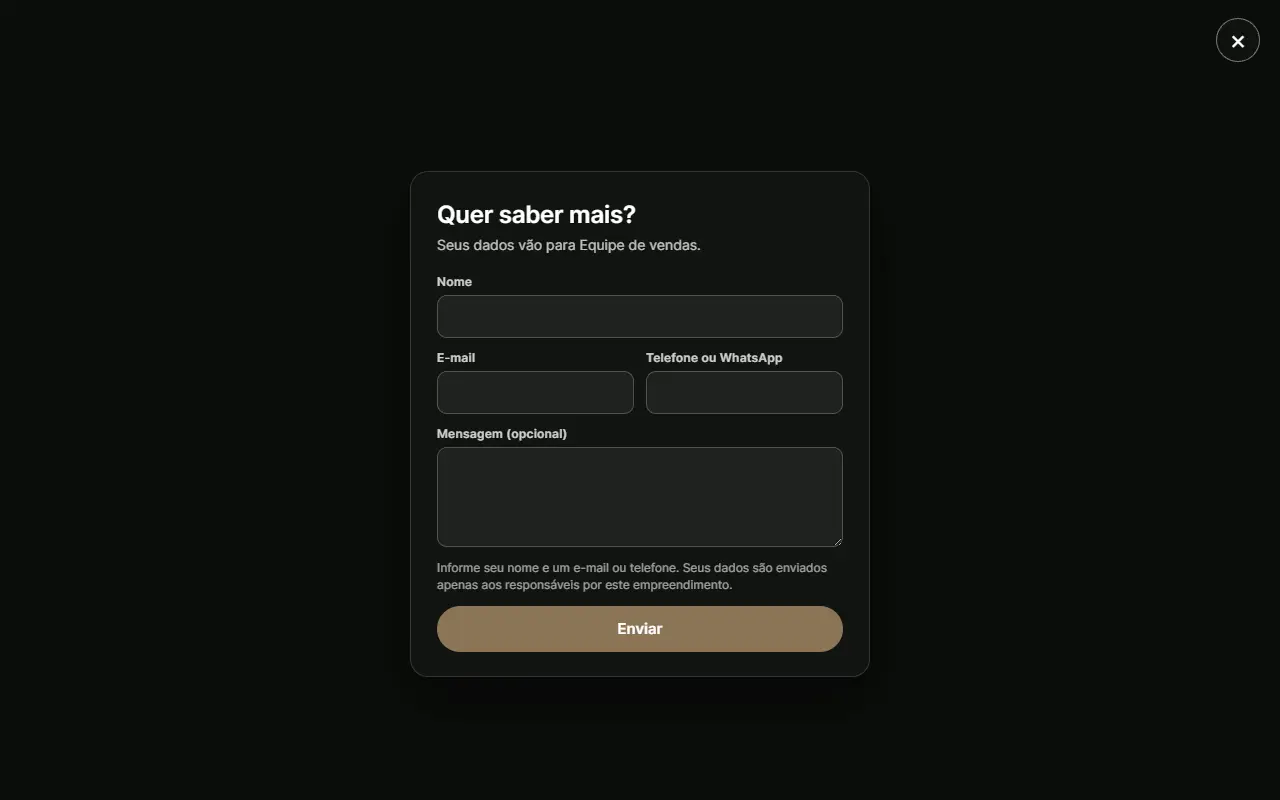
Visitors send their details to the broker without leaving the presentation, and every contact is kept in your panel.
 11
11
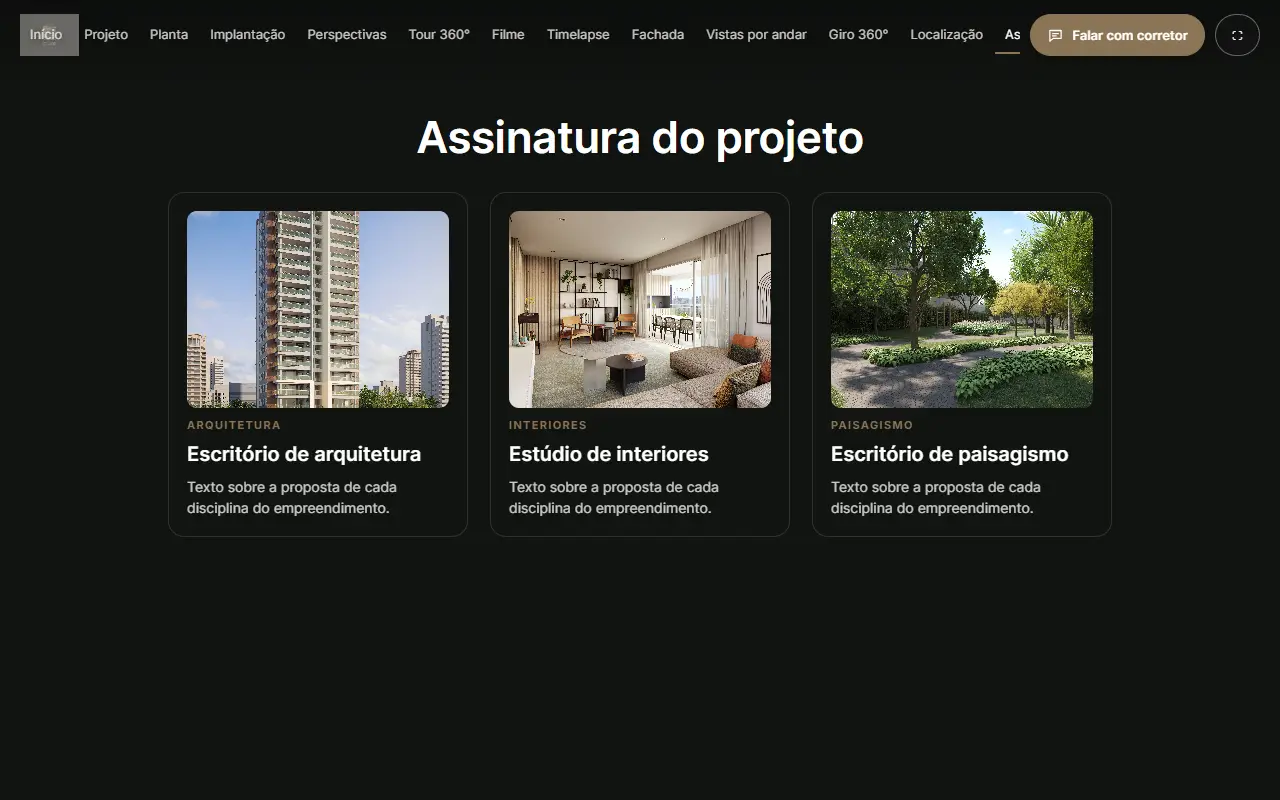
Architecture, interiors and landscaping, each with its author, text and photo.
 12
12
Sections, media and points arranged with a live preview: drag points into place, paste images and replace files in one click.
 13
13
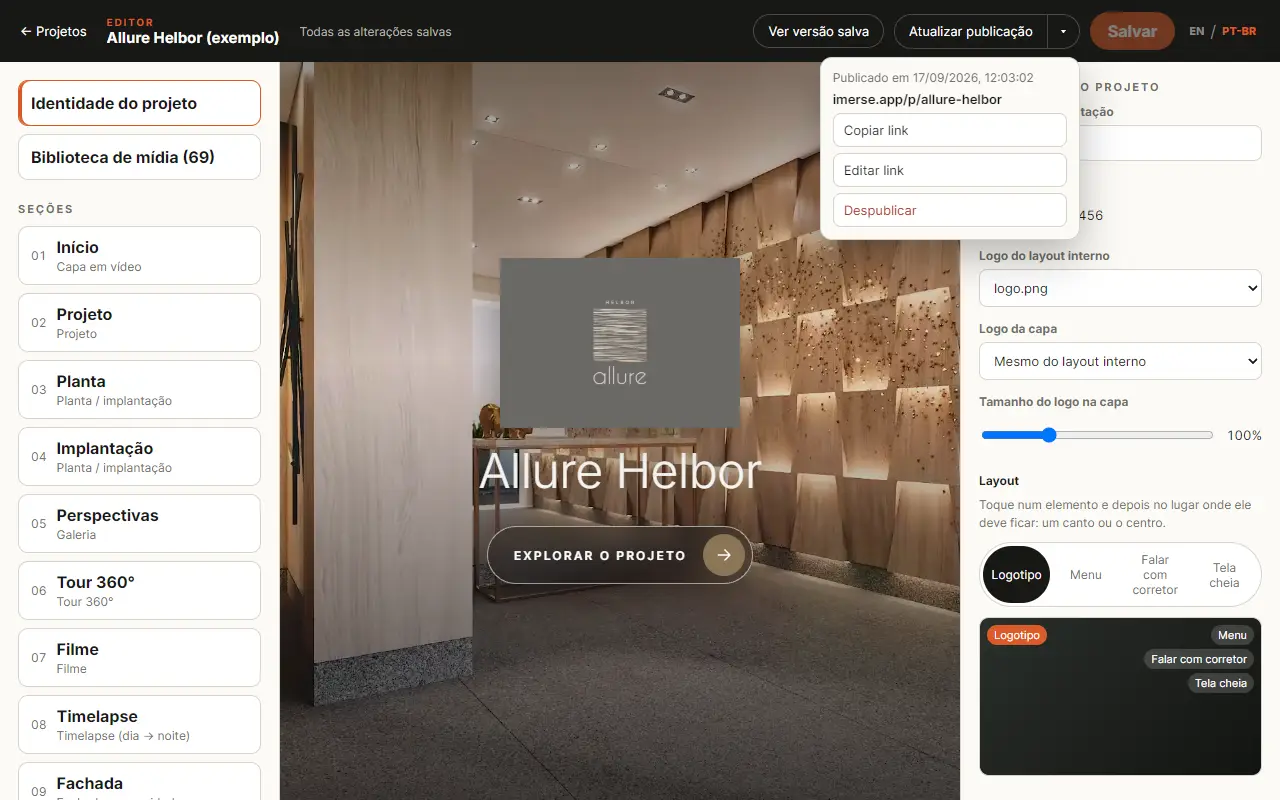
Publish each development at imerse.app/p/the-name-you-choose and update it whenever you like, keeping the same link.
 14
14
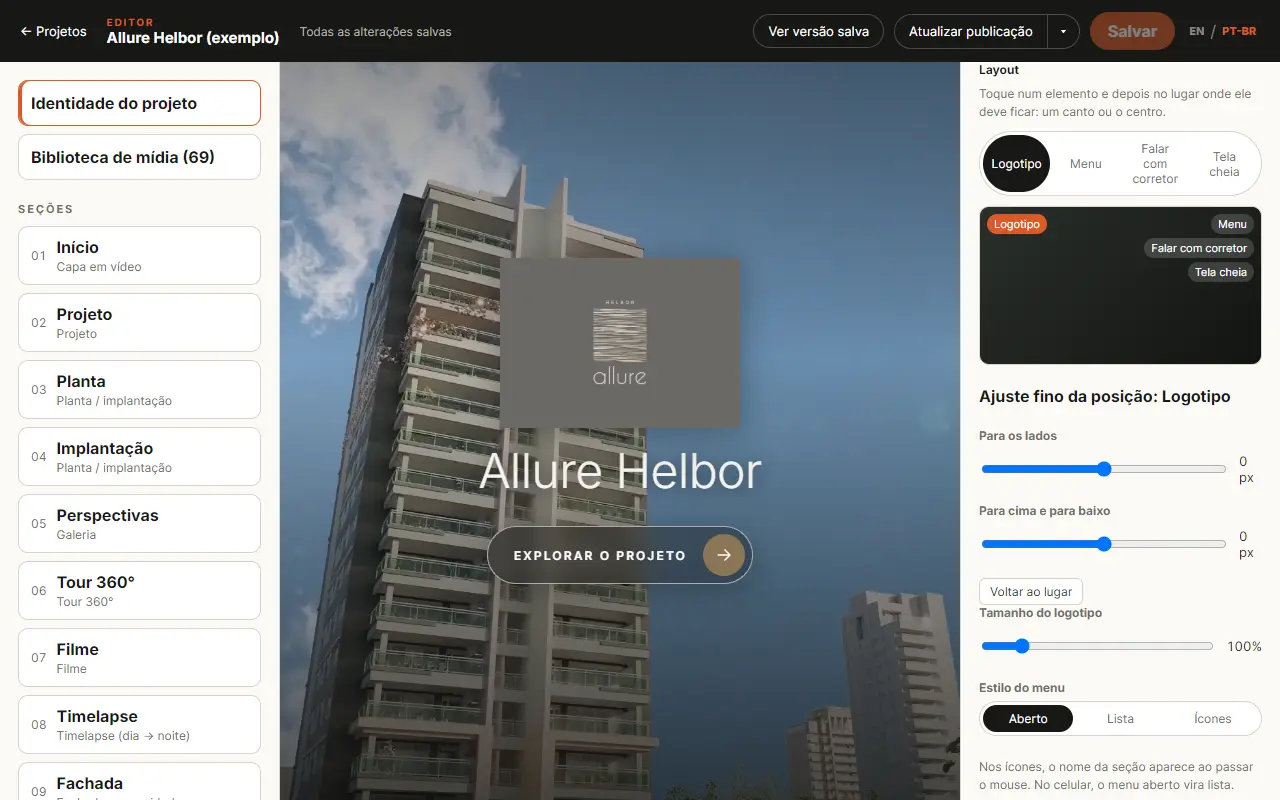
Logo, menu and buttons in any corner, in the middle or down the side, with open, list or icon menus and adjustable sizes.
Early partner access
FAQ
Architectural visualization studios that want to sell interactive presentations to property developers, using the media they already produce.
Yes. The experience is built around the renders, panoramas, floorplans, facades, timelapses and films you have already produced. It also becomes a way to sell more images, floorplans, tours and videos, which in turn feed the presentation.
No. Sections, media and points are arranged in the editor, with the preview beside them. You need no programming at all and work straight in the browser.
No. The groundwork is ready, tested and proven. You use it for each development as demand comes, instead of spending months and money building and maintaining your own platform.
Your client’s brand. Each project carries its own name, logo and colour, a separate cover logo, and a layout you arrange: where the logo, menu and buttons sit, and how big they are.
You publish each development at its own link, with the name you choose (imerse.app/p/name). Edit and update it whenever you like: the link stays the same, and it can be taken offline at any time.
Yes. The presentation adapts to phones and tablets, with the menus and cards reachable by touch.
Yes. Visitors send their name, email or phone and a message from inside the presentation, every contact is listed in your panel, and an email with the lead’s details goes to the developer straight away.
Yes. Drafts and the media library belong to your studio alone, and each studio only reaches its own projects. A public link shows only what you published, never the draft or the rest of the library.
The planned model is per development and selected module, with monthly or annual subscriptions. Platform prices will be available only to approved studios inside their account, never in client presentations. Your studio freely sets the price it charges its client.